Trim the start or end
Each clip has a grip at both ends. Drag one inward to trim. The preview shows the frame at the edge as you drag. A clip can't be shorter than 0.2 seconds.
Split and delete
To remove a mistake from the middle:
- Move the playhead to where the mistake starts and press S to split.
- Move to where it ends and press S again.
- Click the piece in between and press ⌫.
You can also hold ⌥ and click a clip to cut it exactly where you click. The pointer turns into scissors.
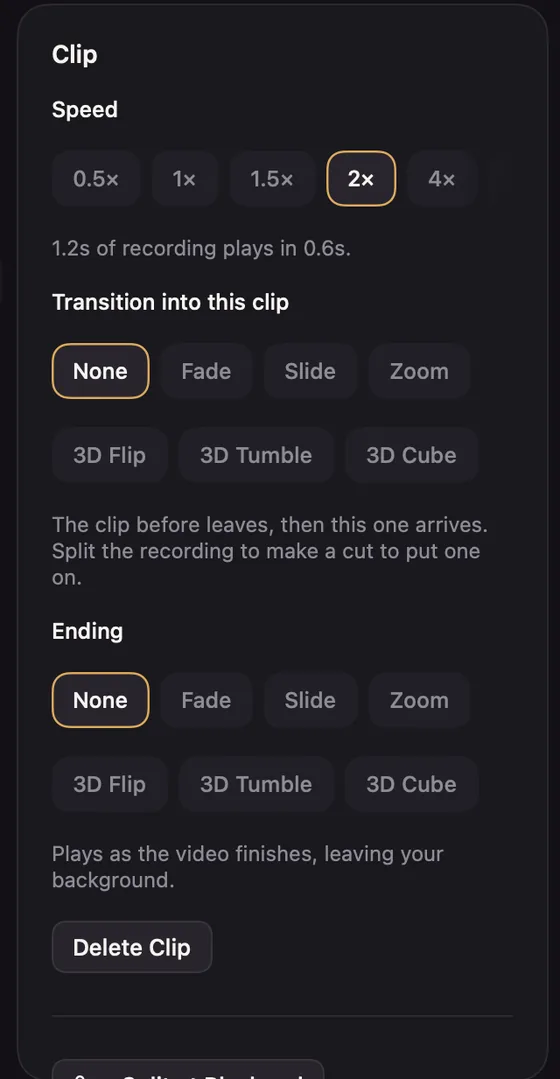
Split is also on the transport's scissors button, in the clip's right-click menu, in the Clip settings and in the command menu.
Putting cut parts back
Every place something was removed shows a round orange pin on the ruler with the seconds removed, such as 1.4s. Click the pin to put them back.
Removing silences
The Clip settings can clean up pauses for you:
- Remove Silences cuts quiet stretches of 0.8 seconds or more, keeping a little quiet at each end.
- Tighten Pauses shortens each long pause to a beat instead of removing it.