
- Press C, or click Crop above the preview.
- Drag the corners, or drag the whole rectangle.
- Click Done, or press C again.
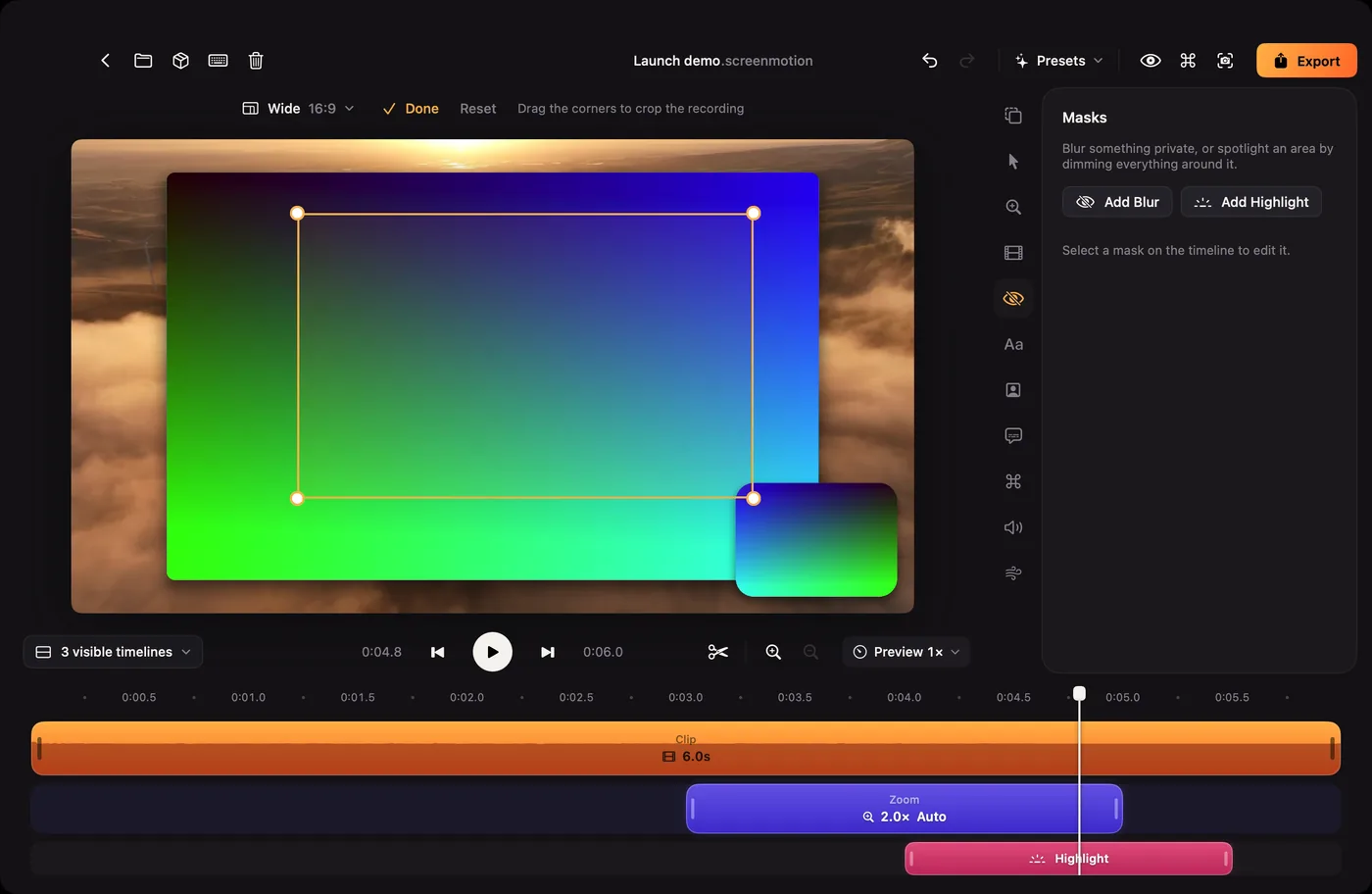
While you crop, the preview shows the whole recording without zooms, cursor, masks or texts. Reset removes the crop. You can't crop away more than 90% of the width or height.