
While you set up, a card above the recorder bar shows a live picture of what you're about to record.
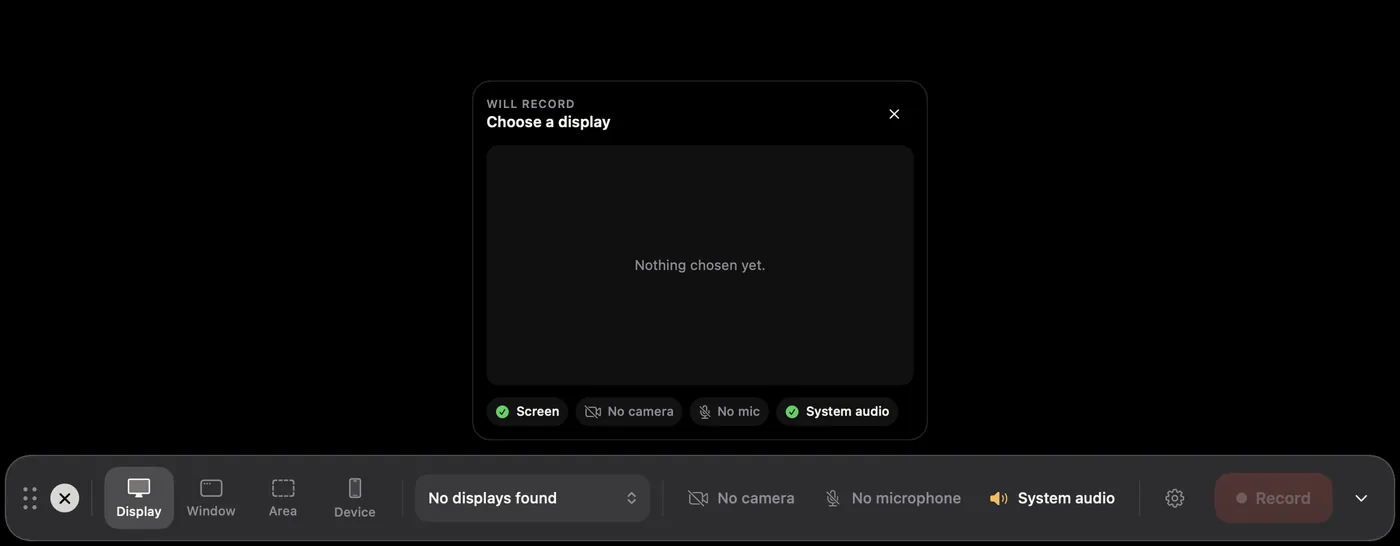
- Will record names the source, such as Built-in Retina Display · 3456 × 2234 or Area · 1280 × 720.
- The picture updates twice a second. It leaves out Screen Motion's own windows, just like the recording.
- The checks underneath show Screen (or No access), Camera on or No camera, your microphone level with Hearing you or Say something, and System audio.
- The target button outlines what will be recorded on your actual screen. Useful with several displays.
The card hides during the countdown and while you record.
To hide it, click its ×. Bring it back with Show Preview in the gear menu. Your choice is remembered.