
Open the Animations settings.
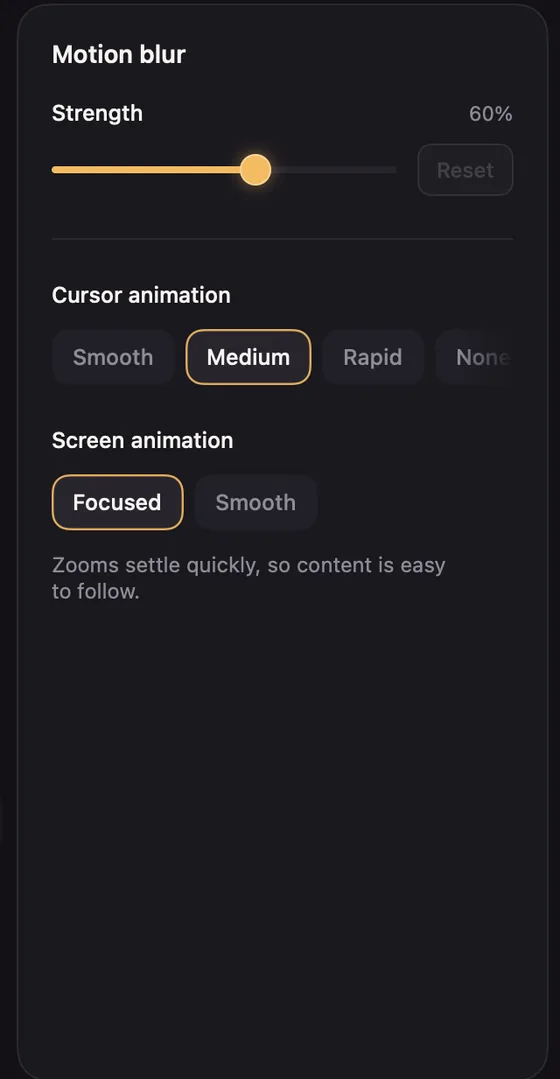
- Motion blur: blurs fast movement the way a camera would. Strength at zero turns it off. Copied frames never have motion blur.
- Cursor animation: how much the cursor's path is smoothed. Smooth, Medium (the default), Rapid or None for your exact movement.
- Screen animation: how zooms move. Focused settles quickly so content is easy to follow (the default); Smooth glides more slowly, for a more cinematic feel.
Transitions between clips are in the Clip settings. See Transitions.