
Download
Download Screen Motion from screenmotion.app. Open the download and move Screen Motion into your Applications folder, then open it from there.
Screen Motion is free to download, record and edit with. You only need a licence when you export a finished video. See Activating Screen Motion.
System requirements
- macOS 15 Sequoia or later.
- A Mac with Metal graphics, which every Mac that runs macOS 15 has. Screen Motion draws its preview and exports on the graphics chip.
What you see first
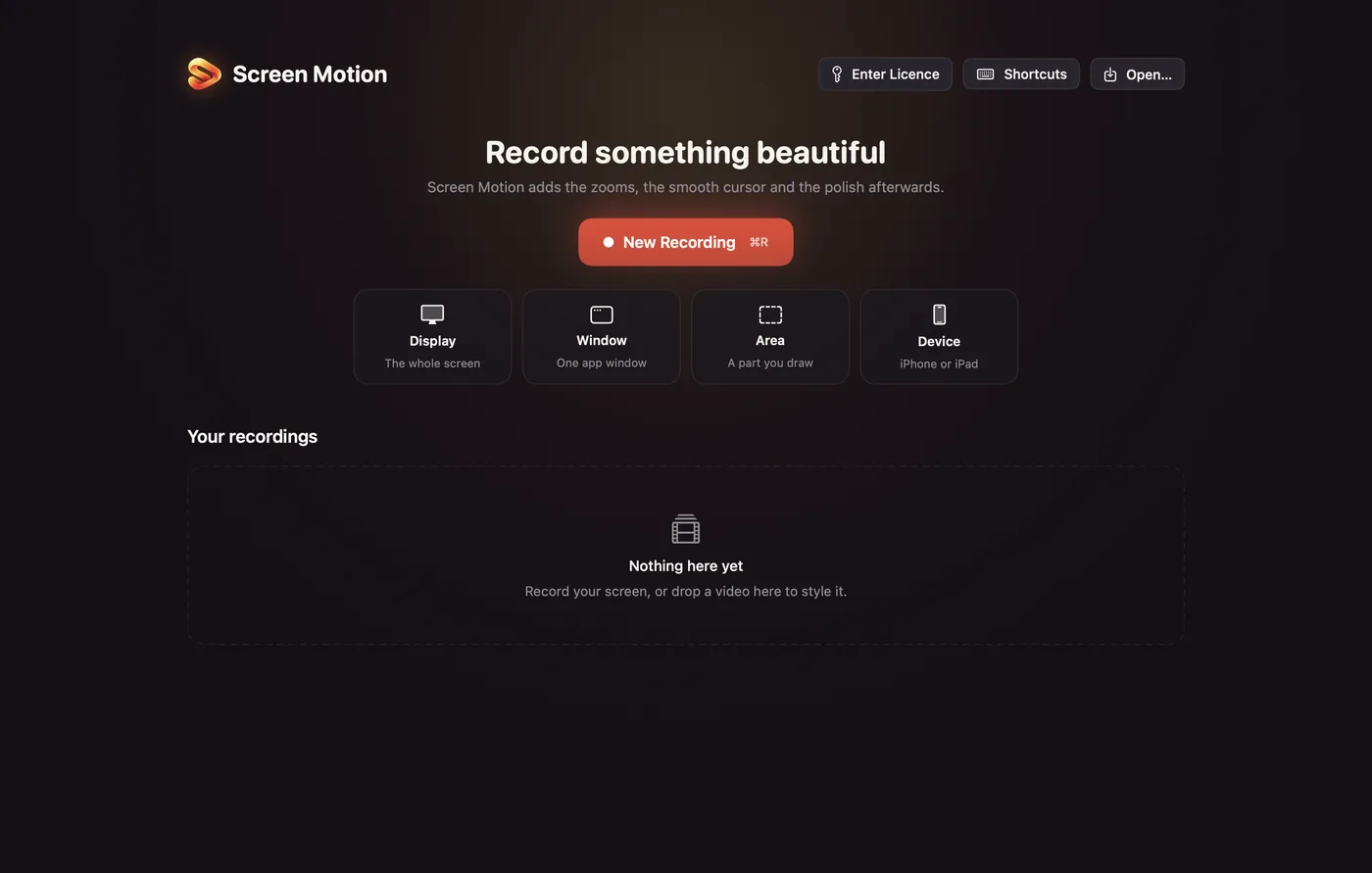
Screen Motion opens on its home window: Record something beautiful, a New Recording button, and four quick starts for Display, Window, Area and Device. Your recordings appear underneath as you make them.
Closing the home window doesn't quit Screen Motion. Quit it from the menu bar with ⌘Q.