Choose the shape from the menu above the preview:
- Native: the shape of the recording itself.
- Wide 16:9, the default.
- Classic 4:3.
- Square 1:1.
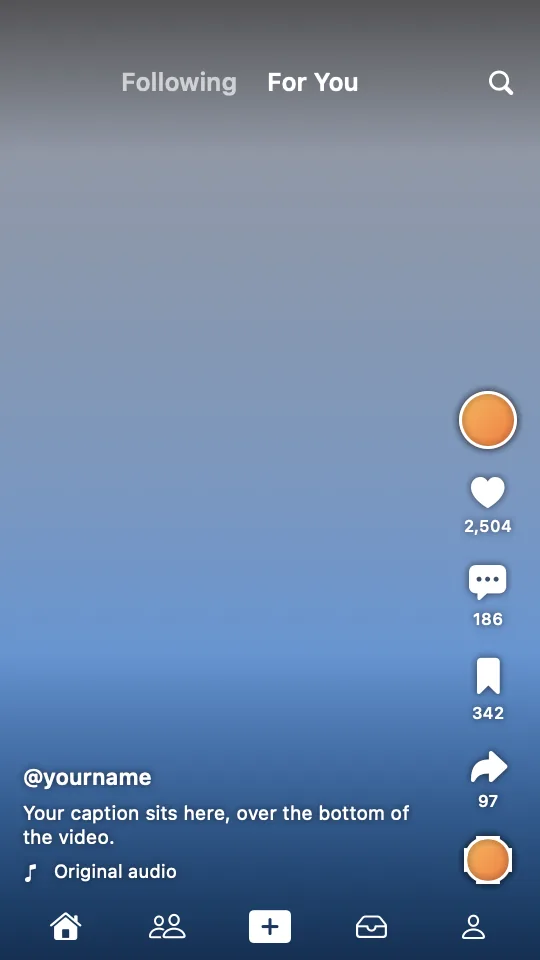
- Vertical 9:16.
Your background, camera, zooms and captions rearrange for each shape. In tall and square shapes, the screen shows a slice of a wide recording around your pointer, so it fills the width instead of sitting small in the middle.
Reel guide
With Vertical chosen, the Reel guide menu shows where Instagram's or TikTok's buttons and captions will cover the picture. Use it to keep important things clear. The guide is never exported.