
While you record, the recorder bar shows a red dot, the elapsed time, your microphone level, and Pause and Stop.
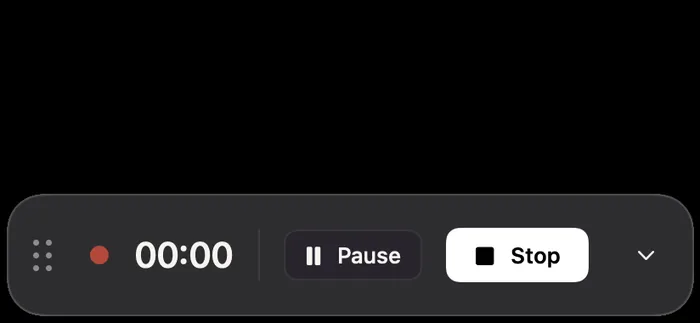
- Pause stops recording until you click Resume. The paused time leaves no gap in the video, and the timer doesn't count it. You can also press ⌃⌥P.
- Stop ends the recording and opens the editor. You can also press ⌃⌥R from any app.
When you stop
Screen Motion saves the recording, adds zooms where you clicked, and opens the editor in front of you. If you set captions to be written after each recording and used a microphone, they're generated too and kept hidden until you show them.