
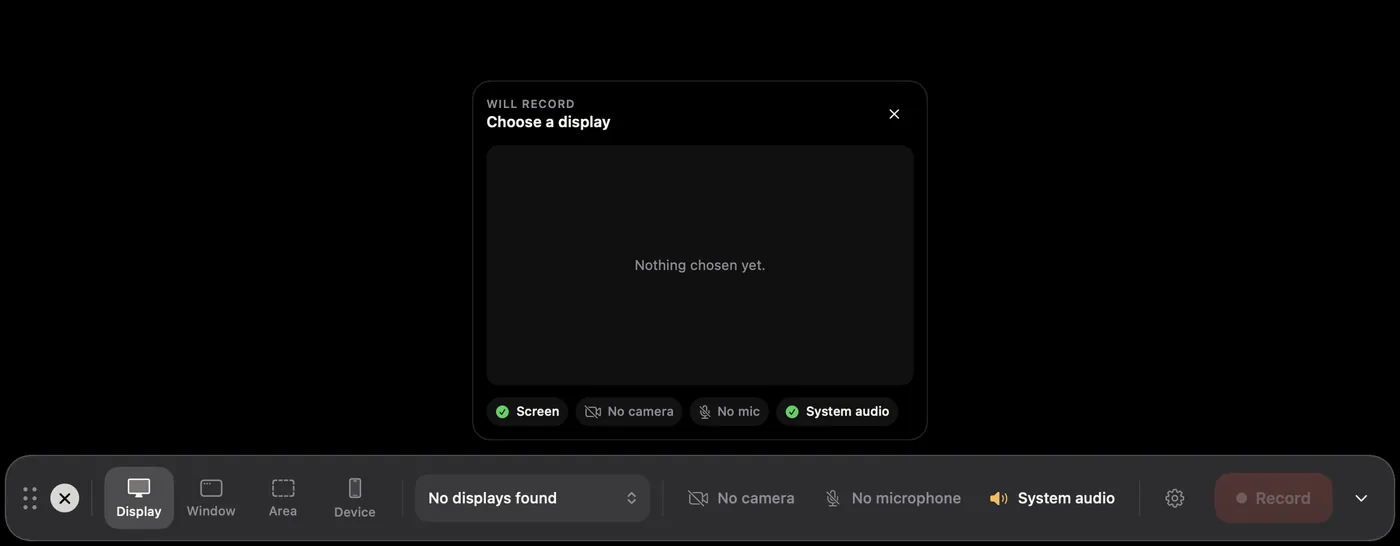
- Click New Recording, or press ⌘R. The home window steps aside and the recorder bar appears at the bottom of the screen.
- Choose what to record: Display, Window, Area or Device, then pick the display, window or area from the menu beside them.
- Choose a camera and microphone if you want your face and voice in the video.
- Click Record. A three-second countdown runs, then recording starts.
- Do what you want to show. Click as you normally would; every click becomes a zoom.
- Click Stop, or press ⌃⌥R from any app.
The editor opens straight away with your recording styled: a background, a smooth cursor, and automatic zooms wherever you clicked.
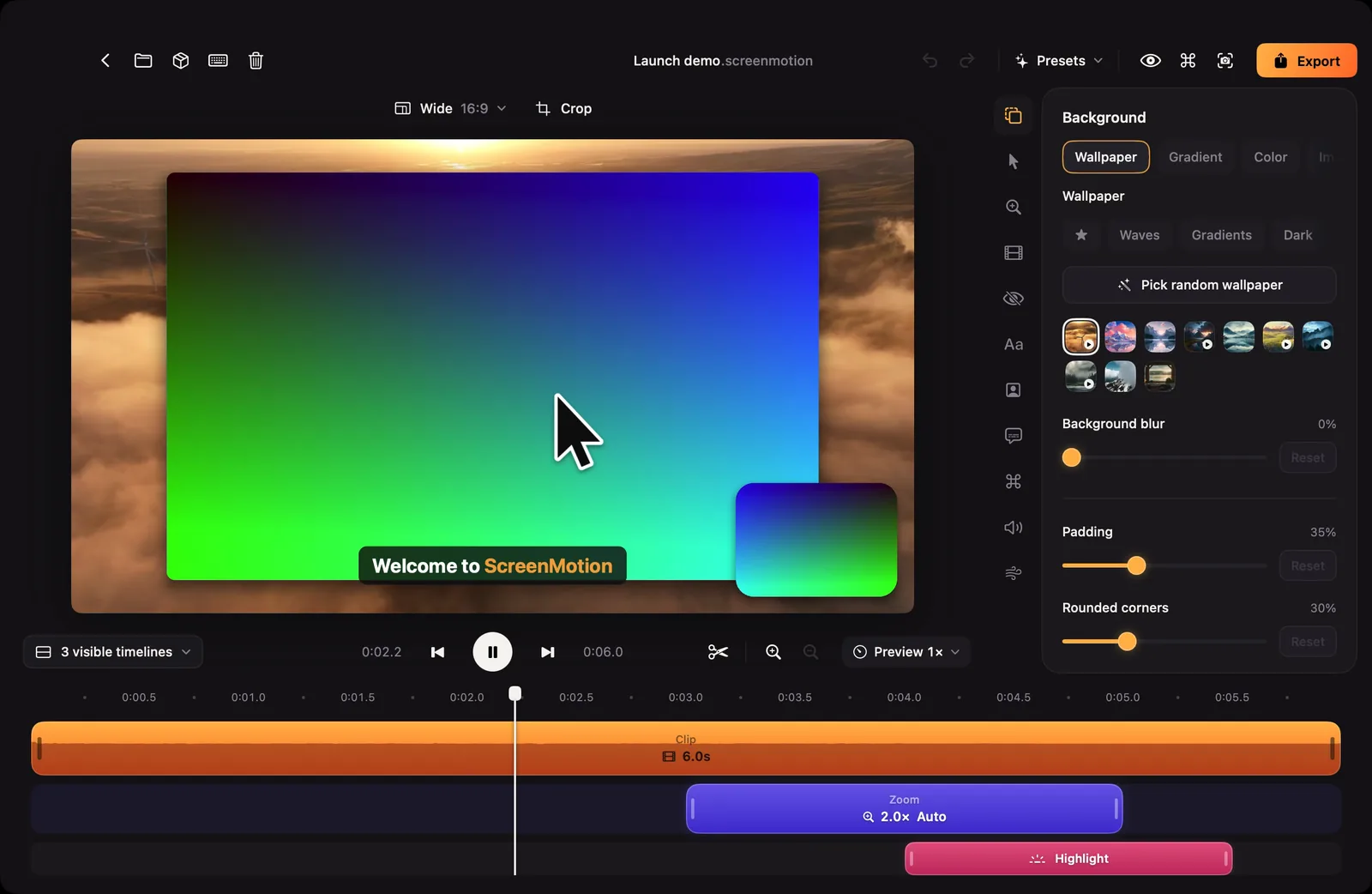
- Change anything you like, then click Export and choose where to save the video.