
Click a zoom on the timeline to open its settings.
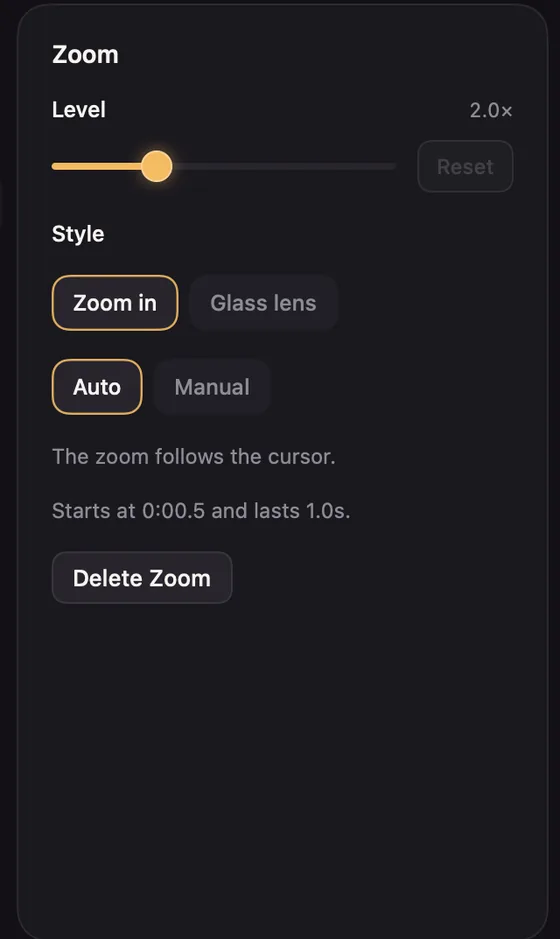
- Level: from 1.2× to 4×. The default is 2×.
- Style: Zoom in moves the whole frame closer. Glass lens magnifies a circle and leaves the rest in view. See Glass lens.
- Auto follows your pointer. Manual points at a fixed spot: drag the round target on the preview to choose where, while the playhead is inside the zoom.
Timing
Drag a zoom's bar to move it, or its edges to change how long it lasts. It snaps to clips, the playhead and other zooms.
Right-click a zoom for quick choices: Point at a Fixed Spot or Follow the Cursor, a Level from 1.5× to 4×, and Delete Zoom.