
After you click Record, a countdown gives you time to get ready. It shows a large number with Get ready and Recording starts in a moment.
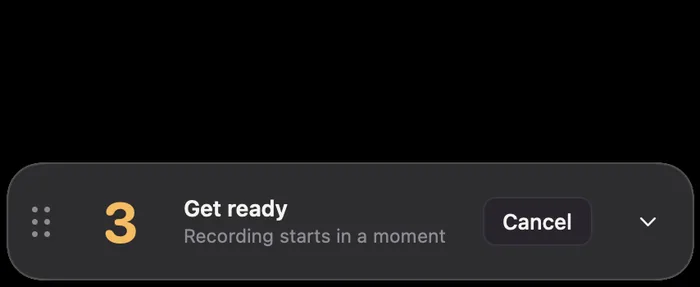
Choose its length in the gear menu under Countdown: No countdown, 3 seconds (the default) or 5 seconds.
To stop it before recording starts, click Cancel, choose Cancel Countdown from the menu bar icon, or press ⌃⌥R.