
Press ⌘K, or click the command icon at the top of the editor.
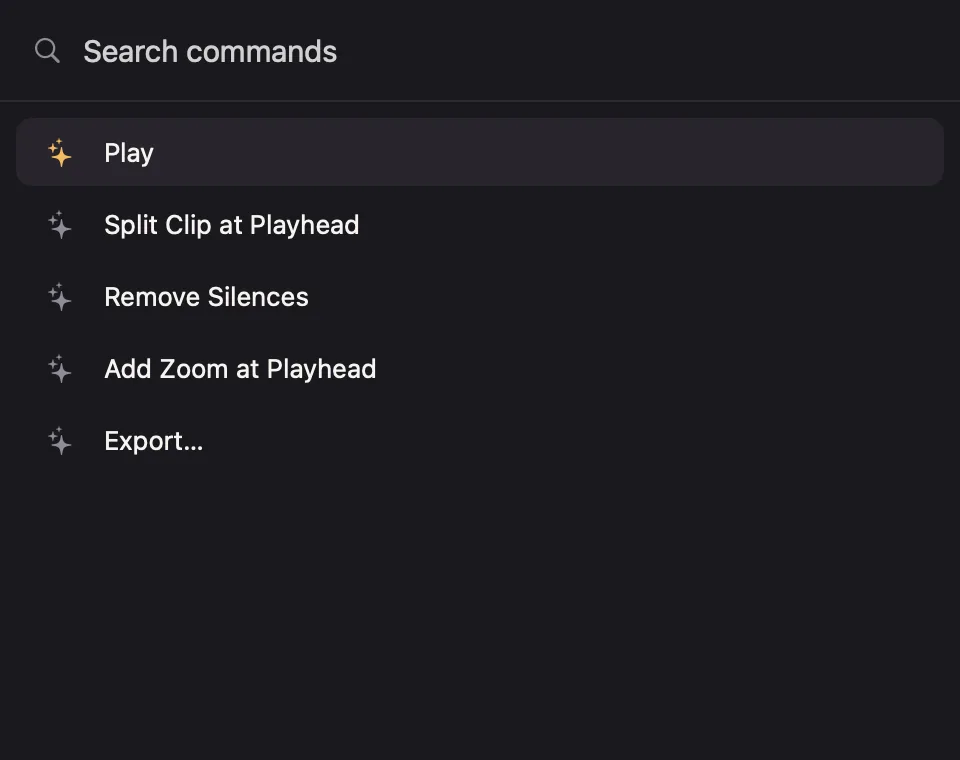
Type a few letters of what you want. A command matches if its name contains every word you type, in any order. Use ↑ and ↓ to choose, Return to run, and Esc to close.
Some of what it can do:
- Split, add zooms, glass lenses, masks, texts and transitions at the playhead.
- Auto Zooms from Clicks, Remove Silences, Tighten Pauses, and Remove Filler Words when captions found some.
- Change the aspect ratio, crop, hide the cursor or captions.
- Copy the frame as an image, export, save, rename and share the project.
- Save the current look as a preset, or apply one.
- Open any settings panel, for example Show Captions Settings.