
Open the Audio settings.
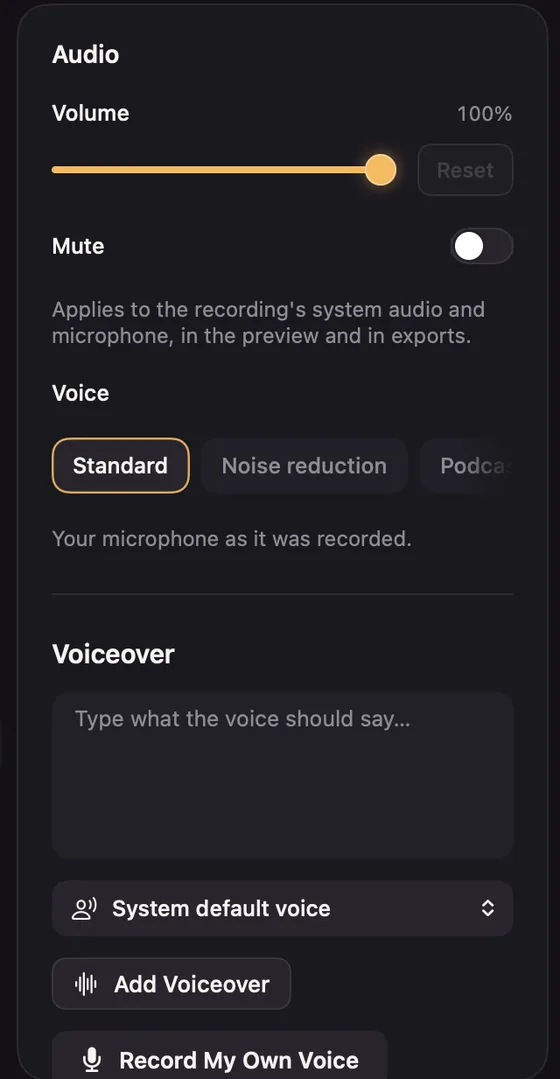
- Volume for the recording's system audio and microphone.
- Mute, or press M.
Voice
- Standard: your microphone as recorded.
- Noise reduction: turns down steady noise such as fans, hum and hiss.
- Podcast: less room and keyboard, with loud and quiet speech evened out and a little presence added.
Cleaning up runs on your Mac. The first time, it shows Cleaning the audio…. Exports use it automatically.
A Click sound can be added from the Cursor settings. See Click effects.